The first
read-it-later
newsletters
RSS reading
web highlighting
read-it-later
app
for power readers.
Save everything to one place, highlight like a pro, and replace several apps with Reader.
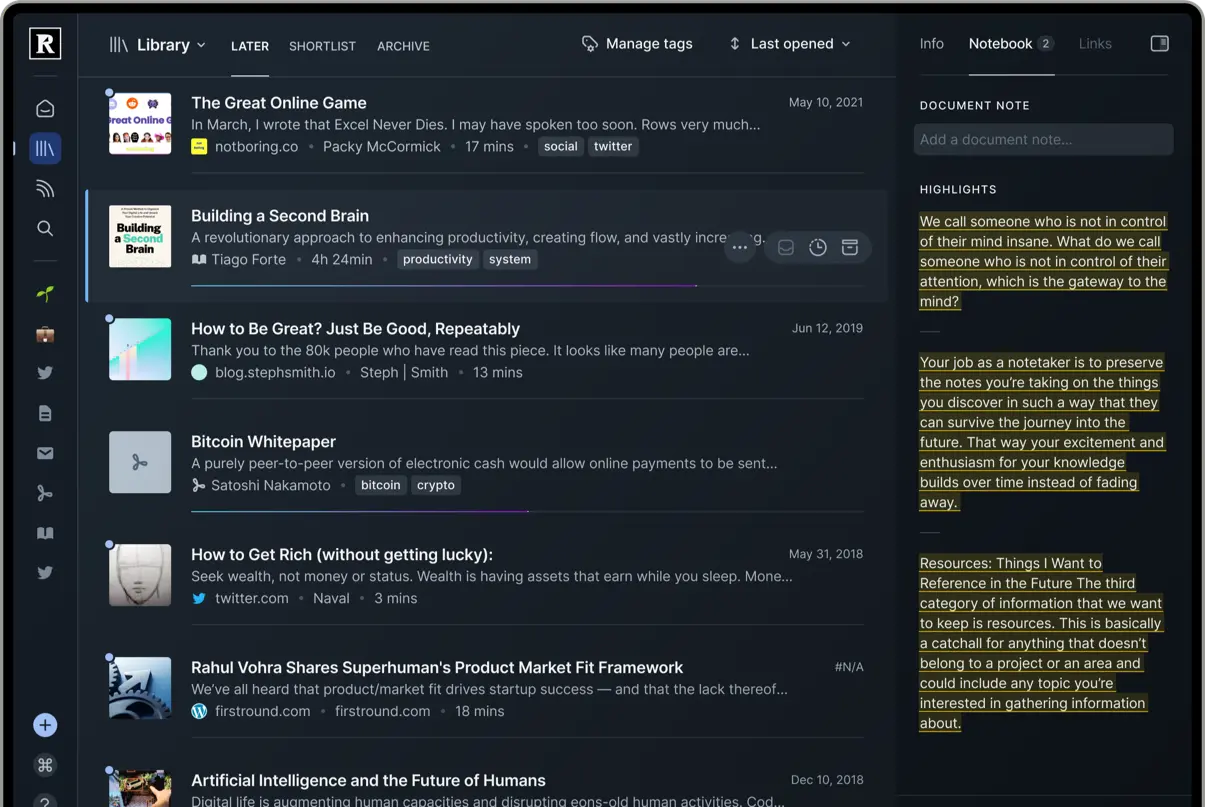
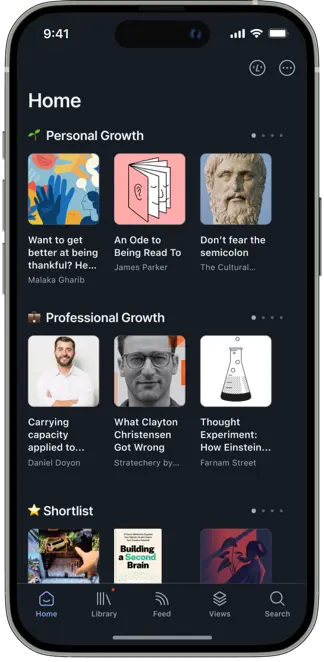
All your reading in one place.

Web highlighting
Sometimes you need to highlight on the spot. Freely highlight and annotate the open web using the Reader browser extension.

RSS
RSS is in a renaissance. Easily subscribe to the RSS feeds of your favorite websites in Reader to never miss a post.

PDFs
Everyone has a forgotten folder of PDFs. Upload yours to Reader to finally integrate PDFs into your reading workflow.

YouTube
YouTube has become one of the best learning platforms out there. Watch YouTube videos and highlight the transcript in Reader.

Twitter threads
Twitter threads are the new blog posts. Compile hard-to-read threads into proper long-form articles inside Reader.

Read-it-later
Most websites aren't made for reading. Save articles to Reader for a distraction-free reading experience with powerful highlighting.

EPUBs
Readwise was built on a foundation of ebook highlights. Upload EPUBs to Reader to enjoy ebooks alongside everything else.

Newsletters
Newsletters connect you directly to your favorite writers. Subscribe to your newsletters in Reader to spare your email inbox.
 Why we built Reader
Read More
Why we built Reader
Read More
Powerful highlighting for power readers
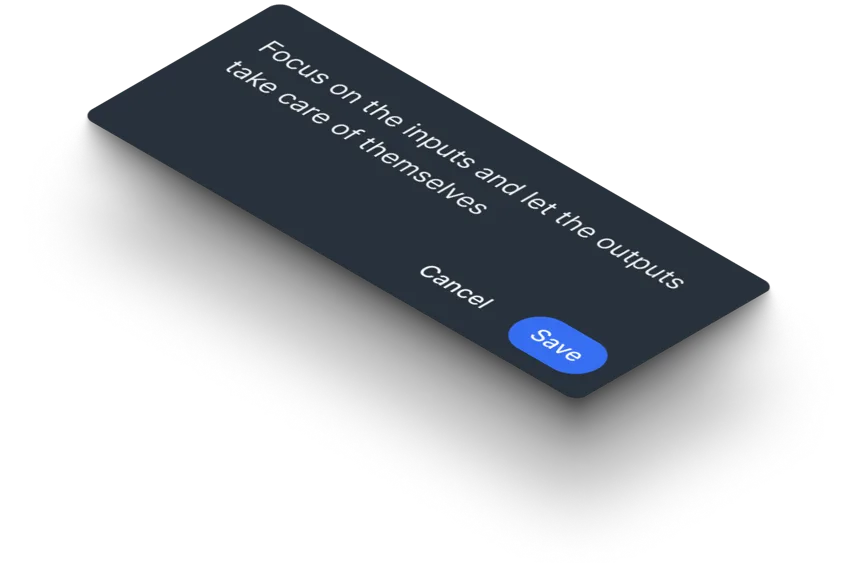
Annotation should be the killer feature of digital reading. Instead, highlighting, tagging, & note-taking
are neglected afterthoughts in other reading apps.
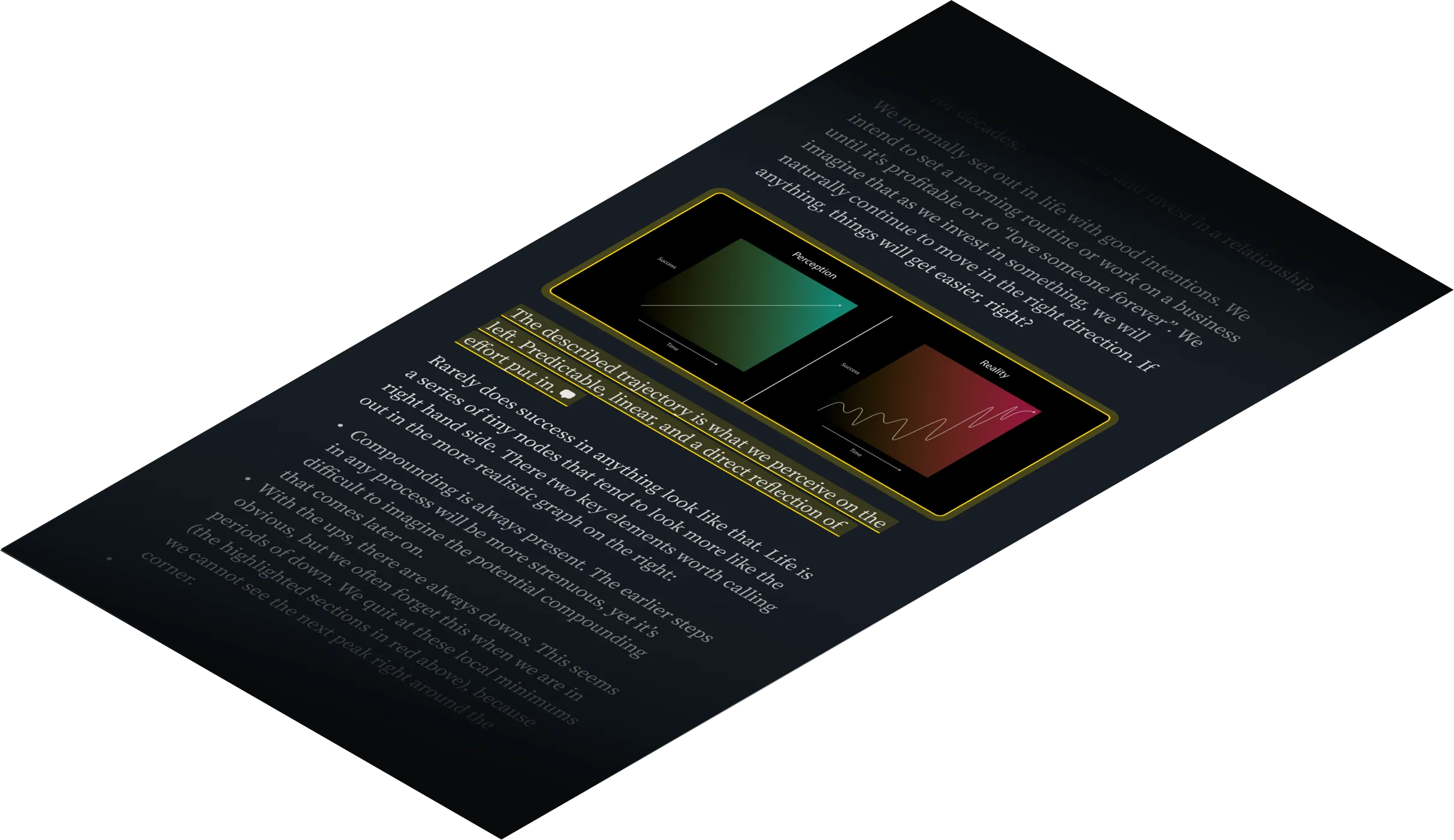
We believe that annotations are the key to getting more out of what you read. So we've developed
highlighting as a first-class feature. Highlight images, tables, rich text, and more. On any device.
UNIQUE & UNIFIED
Fully integrated with the original Readwise app
Readwise makes it easy to revisit and learn from your digital highlights.

Revisit your best highlights
Highlighting is great, but what's the point if you never see those highlights again? Readwise liberates all your highlights into one place, ensuring you'll actually use them.

Remember what you read
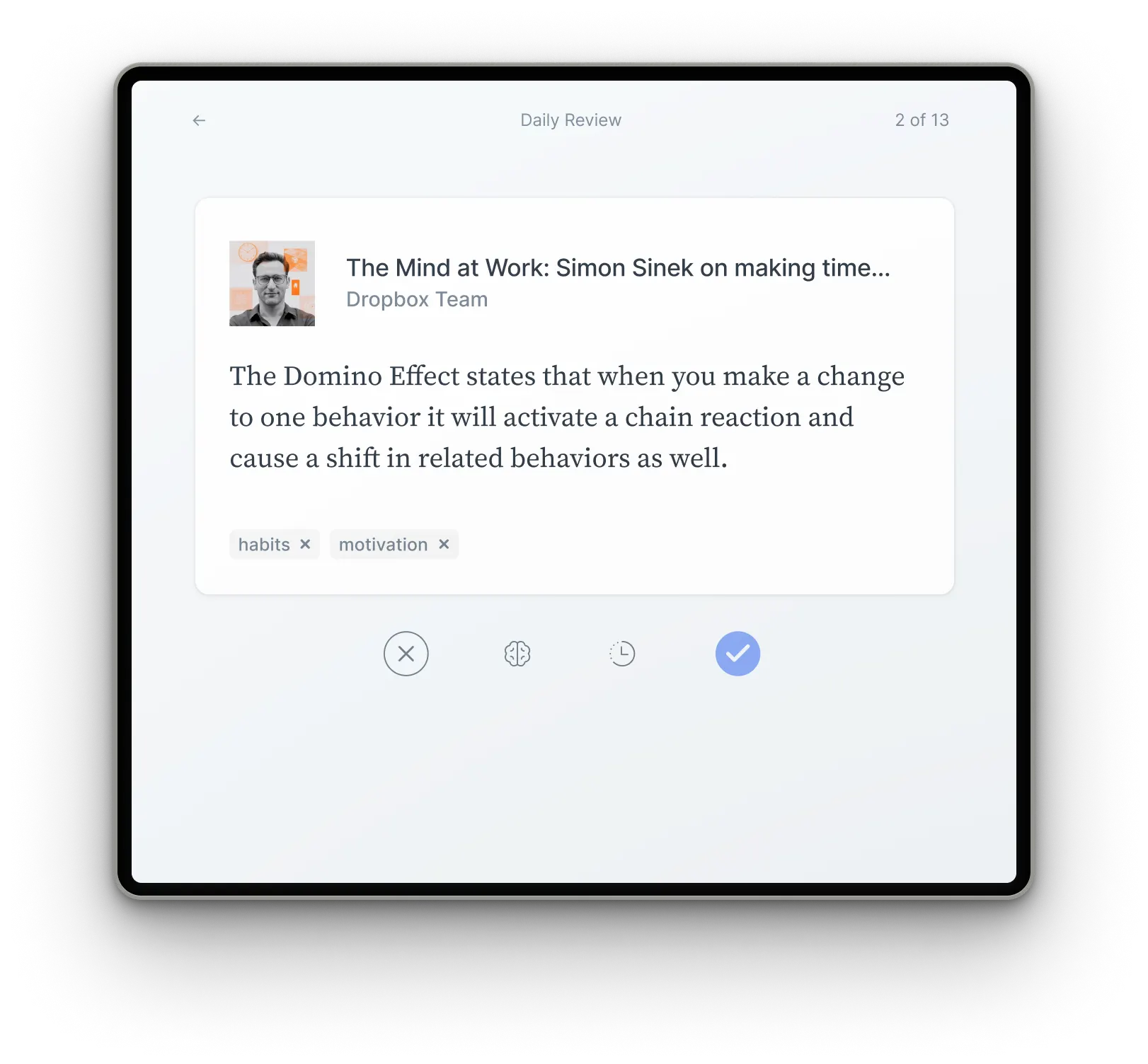
How often do you finish a book, only to forget the key ideas a few weeks later? Readwise resurfaces the right highlight at the right time through the Daily Review.
Sync to your favorite note-taking apps
Connect Readwise to your favorite tools such as Evernote, Notion, and Obsidian. Your enriched highlights will automatically export to right where you need them.
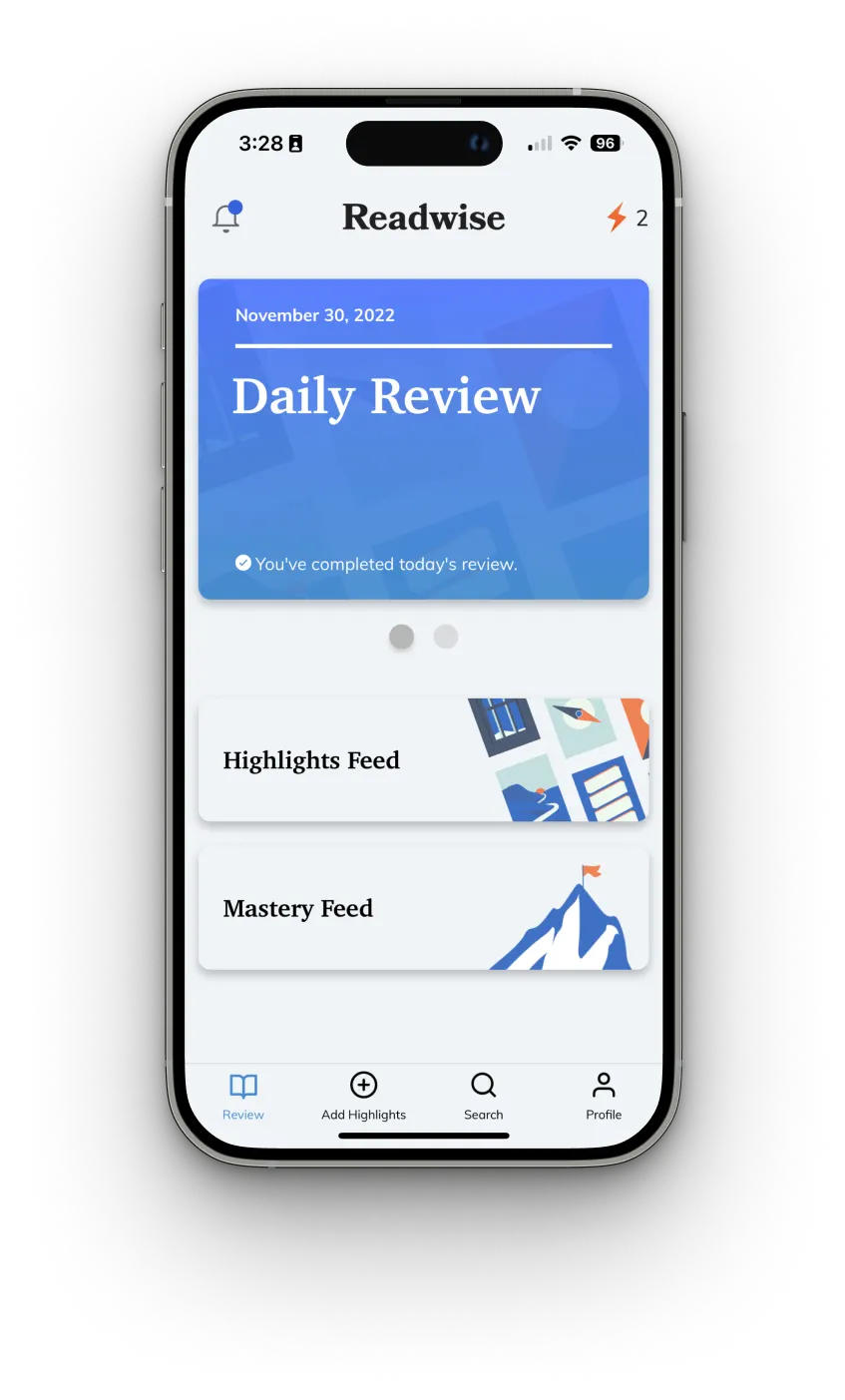
The Daily Review: A simple habit leading to lasting insight
Readwise helps you remember more of what you read using the scientific principle of spaced repetition. The Daily Review resurfaces the right highlight at the right time via email or app.
Loved by
founders
professionals
academics

Readwise has completely redesigned the read-it-later app. It's gorgeous and blazingly fast. In many ways, it's the Superhuman of reading — you won't want to read anywhere else.

I spend my entire day reading, researching, & writing and Readwise is the reading tool I've been waiting for. The perfect complement to my writing workflow. Absolute game changer.

The Reader is another home run from the Readwise team. Having sampled all the reader apps, it's refreshing to finally find the one that fits into my knowledge workflow!

The Readwise reading app is the first read-it-later app that enables a true workflow for serious readers. As an ex-Pocket / Instapaper power user, it's hard to imagine ever going back.

I've searched far and wide for the perfect reading app. Reader has already replaced my previous read-it-later app. (And I always think twice about switching!)

In addition to building an incredible reading experience, the Readwise team is constantly iterating on user feedback and delivering the fastest product updates I have ever seen.
Reader will change the way you read
Keyboard-based reading
Glide through your documents without ever using the mouse. Keyboard-based reading enables you to navigate, highlight, and annotate with grace.


Ghostreader
Ghostreader is your GPT copilot of reading. Ask questions. Define terms. Simplify complex language. And so much more.

Blazingly fast full text search
Find whatever you're looking for. Even if you only remember a single word. Even offline.

Text to speech
Listen to any document narrated with the lifelike voice of a real human.
Upgrade your reading workflow.
Eliminate multiple apps.
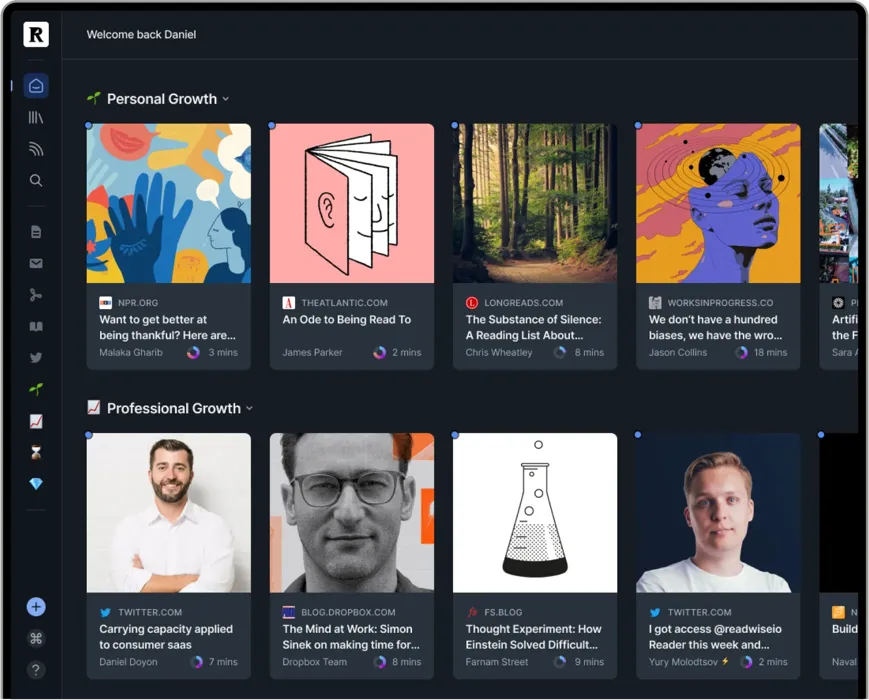
Flexible software fits your unique needs
Your personal interests, your professional projects, your way of doing things — they're unique. Reader is
your home base for the varied documents in your life, customizable to match the way your brain works.
PDFs for work, articles for your newsletter, and ebooks for pleasure all live comfortably side-by-side. No
more juggling dozens of apps.
Integrated with your favorite tools
Your annotations should flow effortlessly from your reading app into your writing tool of choice. Instead you waste hours reformatting, reorganizing, and repeating. Reader eliminates this hassle.


Reader seamlessly connects to Readwise which exports to Obsidian, Notion, Roam Research, Evernote, Logseq, and more

Reader is built API-first: roll your own solutions and integrate your tools using our API.

Reader automatically syncs to Readwise: making it easy to revisit and learn from your highlights with Daily Review.
Read anywhere, anytime
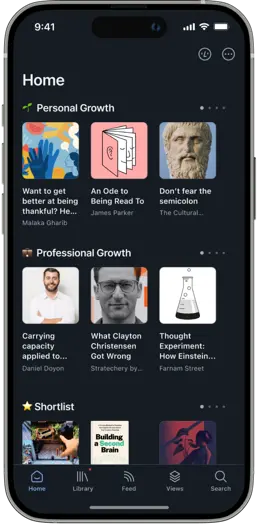
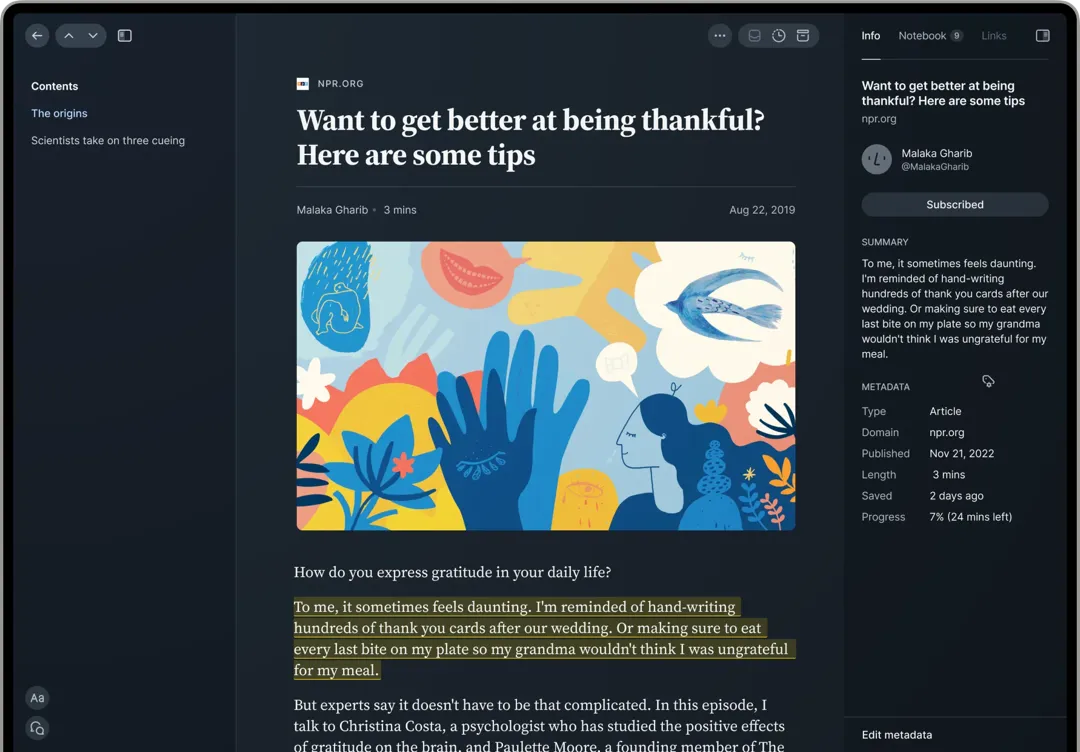
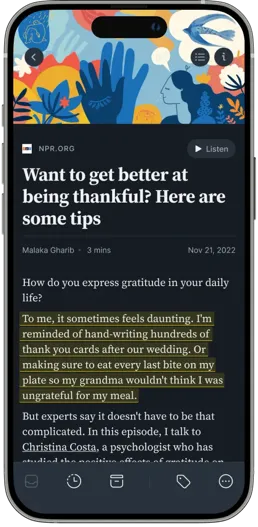
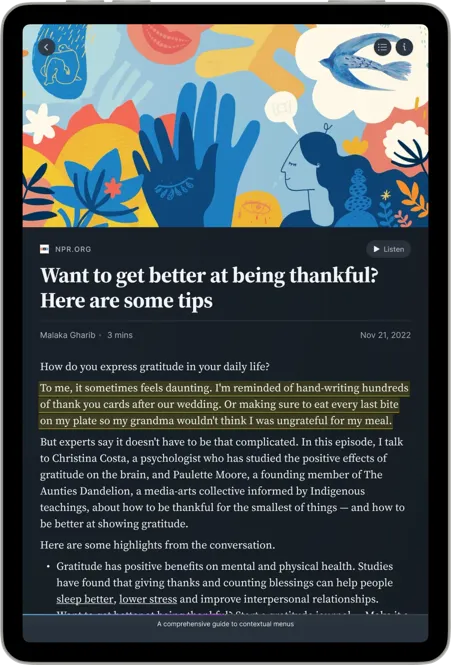
Access all of your content from any of your devices with everything in sync. Even offline. Reader syncs across a powerful, local-first web app, iOS app, and Android app. You can even highlight the open web with the Reader browser extensions.
Loved by
autodidacts
engineers
technologists

Having tried every read-it-later app out there, I cried tears of joy once I got my hands on Reader. It's the smoothest experience to turn highlights into insights. Plus, I can finally highlight images!

Readwise is the reading, highlighting, archiving tool I've been long for: the Superhuman of reading. I was a top 1% Pocket user for many years and switched instantly.

Reader is the first reading app that helps you process information rather than hoard it. The keyboard nav and minimalist interface lead you into a deep flow state. A must for any knowledge worker!

I used to dump links into Pocket, but I never went back. Reader changes that. Now I feel on top of my reading. Plus the pace of execution of the Readwise team is insane.

Reader makes it easy to manage all the content coming at me. I'm no longer overwhelmed. Now I feel like I actually have enough time to read everything I want to.

Readwise is one of my favorite products of the last 5 years. Reader takes it to the next level. I no longer have to duct-tape together 7 different tools. Readwise just leapfrogged the status quo.
Content overload, conquered.
Our read-it-later apps should improve over time. Instead, they worsen. Why? Because we save more stuff than
we have time to deal with.
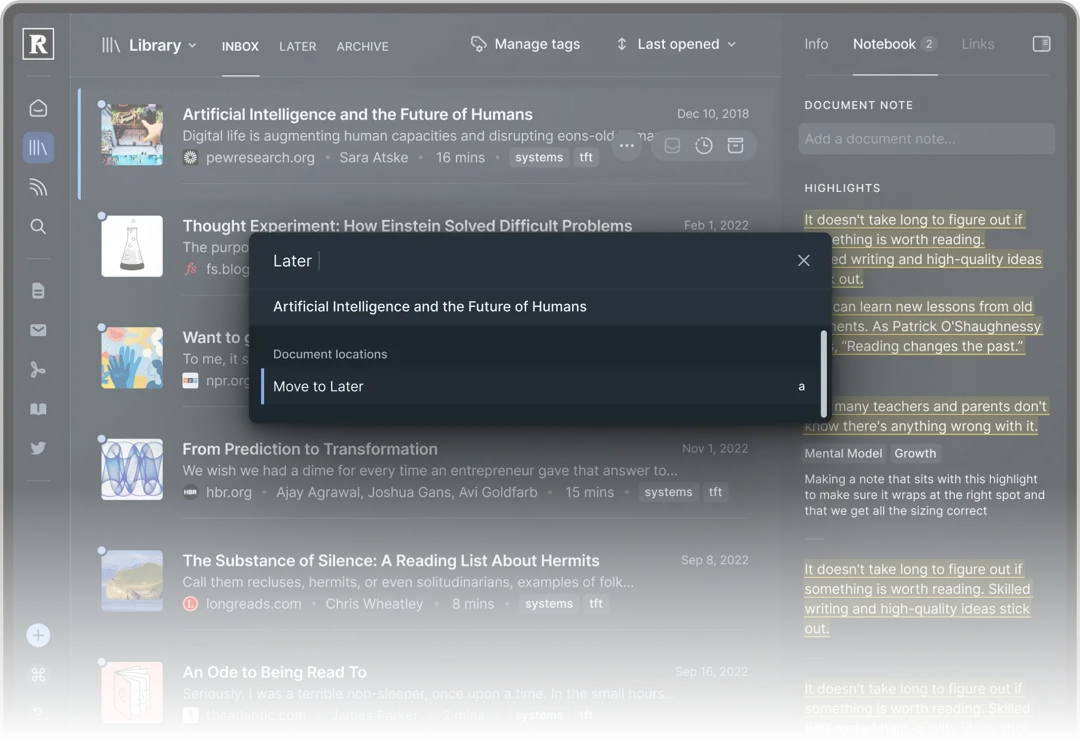
We fell in love with Superhuman's fun, game-like triage for clearing our email inboxes of clutter. So we've
built the same for reading. Weed your digital garden with delight.
Frequently asked questions
You can try Reader and Readwise with a free 30-day trial, no credit card required. After your trial expires, you can continue using Reader as part of a full Readwise subscription: $9.99/month billed annually, or $12.99/month billed monthly. We also offer a 50% discount for students, educators, non-profits, military, first responders, and anyone living in a country where US pricing doesn't translate fairly. Just email us at hello@readwise.io.
Reader is where you read: the full content of your articles, PDFs, EPUBs, email newsletters, RSS feeds, YouTube videos, X threads, and more, all in one place. Readwise is where you get more out of what you read: save every highlight from over 20 sources, resurface the best ones daily, and sync them to note-taking apps like Obsidian and Notion. Your account is shared, so every highlight you make in Reader lands in Readwise instantly.
Reader is cross-platform, with mobile apps for iOS and Android; web apps & browser extensions for Chrome, Firefox, and Safari; desktop apps for Mac & Windows; and a dedicated viewing mode for e-ink devices such as BOOX and Daylight Computer. Everything syncs continuously across your devices. Reader also works offline, and if you love reading on a Kindle, Reader can send documents there too.
Yes. Reader turns any article, PDF, or ebook into audio with natural AI voices, adjustable speed, and support for dozens of languages, on every platform.
Yes. Reader imports directly from Instapaper, accepts your Pocket export file if you saved one before the shutdown, and takes any CSV of URLs for everything else. Your RSS subscriptions carry over in one step with an OPML file, and your ebooks and PDFs can simply be dragged in.
Yes. Anytime, in full. You can download every document as a CSV, your feeds as an OPML, your uploaded files as a zip, and every highlight and annotation as Markdown.
Fair question, especially these days. Readwise has been bootstrapped and profitable since 2017, funded by subscribers rather than venture capital. This means we survive by making software readers love, not by pleasing investors. We wrote more about that in Why We're Bootstrapping Readwise. And if you're ever unsure, see the answer above: your reading always remains yours to take with you if anything does happen.
Yes, and it's becoming one of Reader's most powerful features. The Readwise MCP server connects Claude, ChatGPT, Cursor, or any MCP-compatible assistant directly to your library. Your AI can easily utilize the full content of your documents to answer questions grounded in your own reading, and the MCP can even organize your documents for you. There's also a full command line interface for the terminally inclined.
Yes. Improvements ship nearly every week. You can follow every release in our changelog.


 Sign up with Amazon
 Sign in with Amazon